 kinetis
Securing your home Wi-Fi router
Your router connects every device in your home to the internet, yet it is often left on its factory settings for years. Menus differ between manufacturers, but these six checks apply to almost any home router.
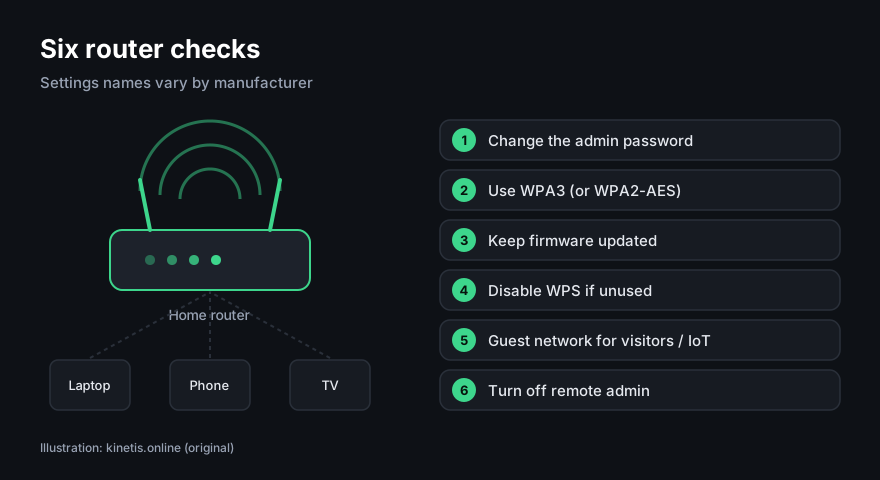
- Change the administrator password. This is the password for the router's settings page, not the Wi-Fi password. Default passwords are often printed on the device or easy to find.
- Use WPA3 encryption, or WPA2 (AES) if WPA3 is not available. Avoid WEP and "open" networks. Choose a long Wi-Fi passphrase.
- Update the firmware. Turn on automatic updates if your router offers them. If the manufacturer no longer provides updates, consider replacing the router.
- Disable WPS (the push-button or PIN pairing feature) if you do not use it. The PIN method has known weaknesses.
- Use a guest network for visitors and for smart-home gadgets, so they are separated from your computers.
- Turn off remote administration (management from the internet) unless you really need it.
If you rent your router from your internet provider, some of these settings may be managed by the provider. Check its support pages or ask it directly.
Sources
- UK National Cyber Security Centre, guidance on home devices and routers. ncsc.gov.uk
- Wi-Fi Alliance, information on WPA3. wi-fi.org
This page contains no partner links. Illustrations are original works by kinetis.online.